Storage, More Space and Reliable Backups
As games get added, storage will be an issue. If something bad happens, I potentially lose everything. So a focus on storage, more space and reliable backups!
Reliable Backups
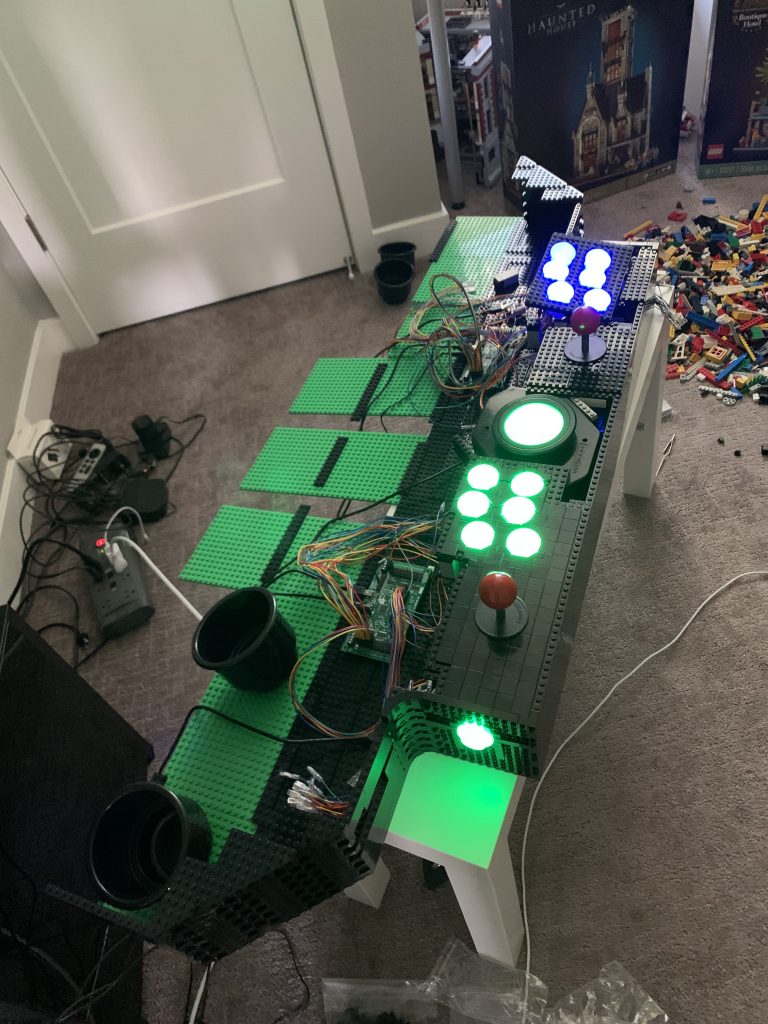
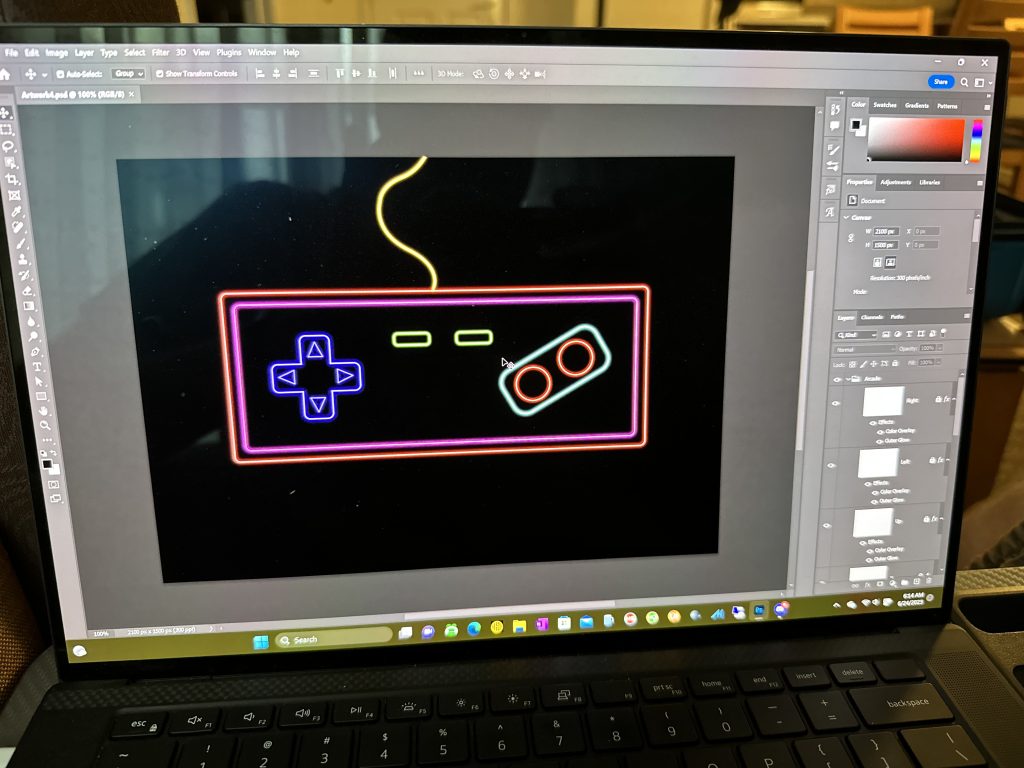
I have been doing a lot of work on the backend of this project while I’m not working on building up the arcade itself with LEGO©. A lot of effort of course is getting put into mapping all of the lights to the buttons for each and every game. This is incredibly tedious work and I’ve recently found myself focusing on accomplishing sub-letters each day (i.e. Aaa to Aab). Beside this, I’ve also been putting a lot of work in the artwork.
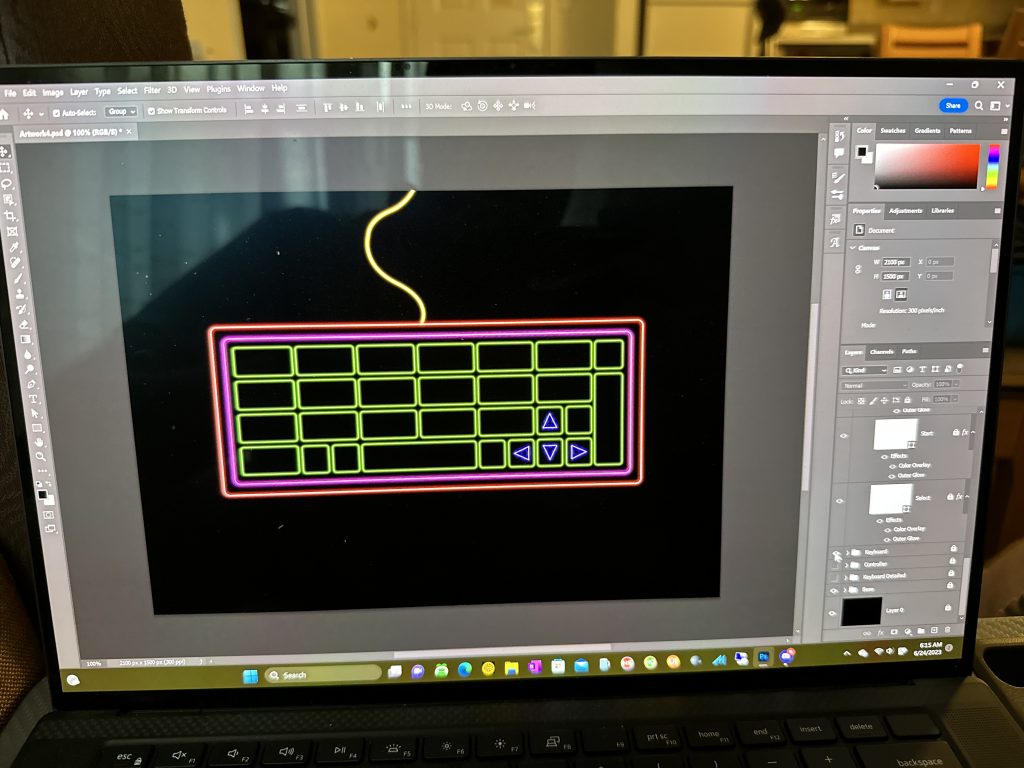
The idea of losing all of this work could potentially end the project for good. So I begin looking into backups. If you recall, back in Building of the Computer for the Arcade, I chose to go with a 1 TB OS drive and an 18 TB game drive. Backing up the 1 TB drive online seems like the way to go, but the 18 TB worth of games won’t be so easy.
Focusing on the OS drive first, I don’t want a local backup because if there’s a fire, I’d end losing both devices. I feel like having something “offsite” is really the best option here. Currently, I’m already subscribing to a couple of cloud storage services, and using a “sync” tool to copy files somewhere else seems like the most cost effective and easiest solution to the problem.
I decide to use Microsoft OneDrive. For $100/year I get 1 TB that I can use to backup the files that matter the most. I don’t need a full backup here because I can just as easily reinstall the operating system and software on the computer, then restore the artwork and configuration data from the cloud.
That covers configuration, button mappings, and artwork. What about the games?
When is More Space, Enough Space?
Earlier games don’t consume a lot of space. In fact, mass media storage devices like the CD-ROM weren’t really available until the mid-1980’s (Game History Foundation, 2023). This meant games were typically under 100 MB in size. However, as I start adding later generation consoles that used CD-ROM such as the TurboGrafx CD, I filled up that 18 TB of storage real quick.

Can 18 TB store every arcade game and every console game out there? This depends on how many generations of consoles I want to support. And if you’ve been following along, you probably know the answer to that question.
Each CD-ROM, or game, could hold anywhere from 650 to 700 MB. Several game consoles used CD-ROM as their primary media format. Here are some notable ones:
Early CD-Based Consoles
- PC Engine CD / TurboGrafx-CD (1988) – First video game console to use CDs.
- Sega CD (1991) – An add-on for the Sega Genesis/Mega Drive.
- CD-i (1991) – Philips’ interactive media system, which played games and multimedia content.
- Neo Geo CD (1994) – A CD-based version of the original Neo Geo AES.
- 3DO Interactive Multiplayer (1993) – A multimedia console by Panasonic, GoldStar, and Sanyo.
- Amiga CD32 (1993) – A CD-based version of the Amiga computer.
Mainstream Consoles with CD-ROM
- PlayStation (1994) – Sony’s first console, which popularized CD-ROM gaming.
- Sega Saturn (1994) – Sega’s 32-bit CD-based system.
- PlayStation 2 (2000) – Used CDs for PS1 games and some PS2 games (though primarily used DVDs).
Other CD-Based Consoles
- Dreamcast (1998) – Used GD-ROMs, a modified version of CDs.
- GameCube (2001) – Used miniDVD-like optical discs, not standard CDs.
Every game, for every console, consumed 650 to 700 MB of storage. PlayStation 2 was the beginning of the DVD format, which could hold up to 8.5 GB of storage space. Space quickly was running out, so purchasing another 18 TB disk and doubling the space is needed.
At this point, the choice for backup becomes apparent, redundancy. Because these games were obtained through my own sources, an offsite backup really isn’t needed if the game data were to perish. I can just recreate the game files again without much effort. In addition, with having an 18 TB drive and still needing more, the only logical conclusion that I can think of, is RAID.
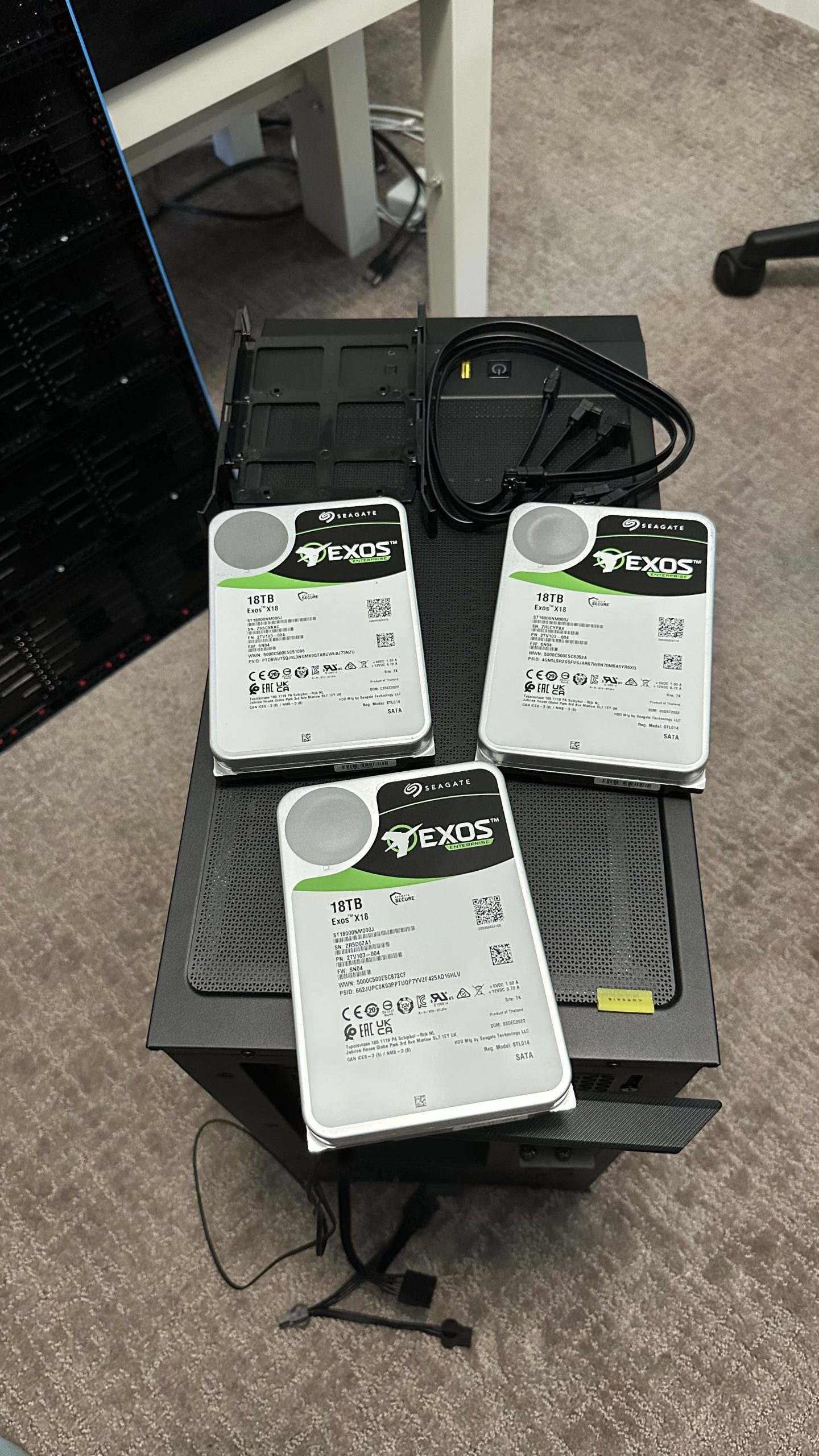
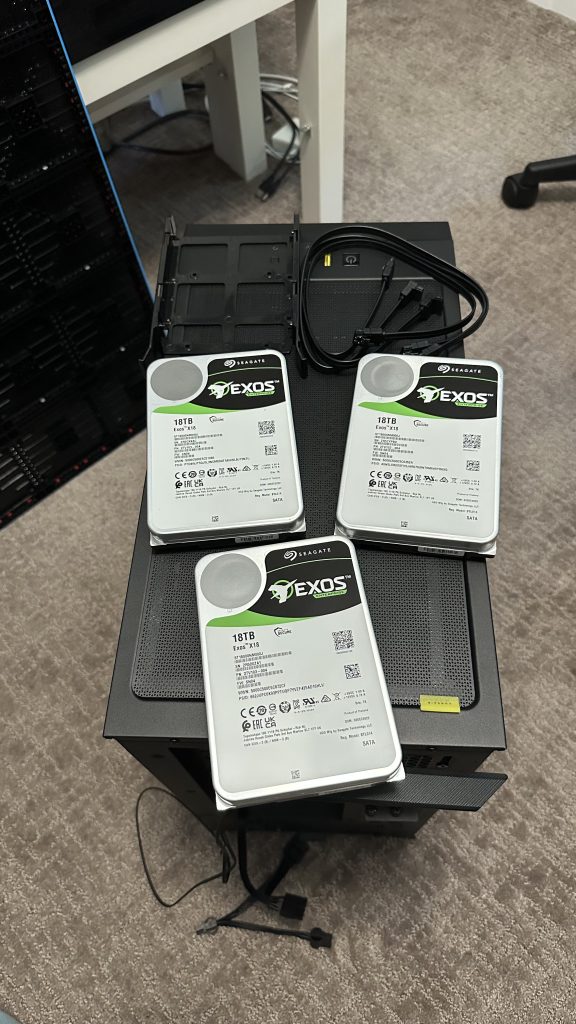
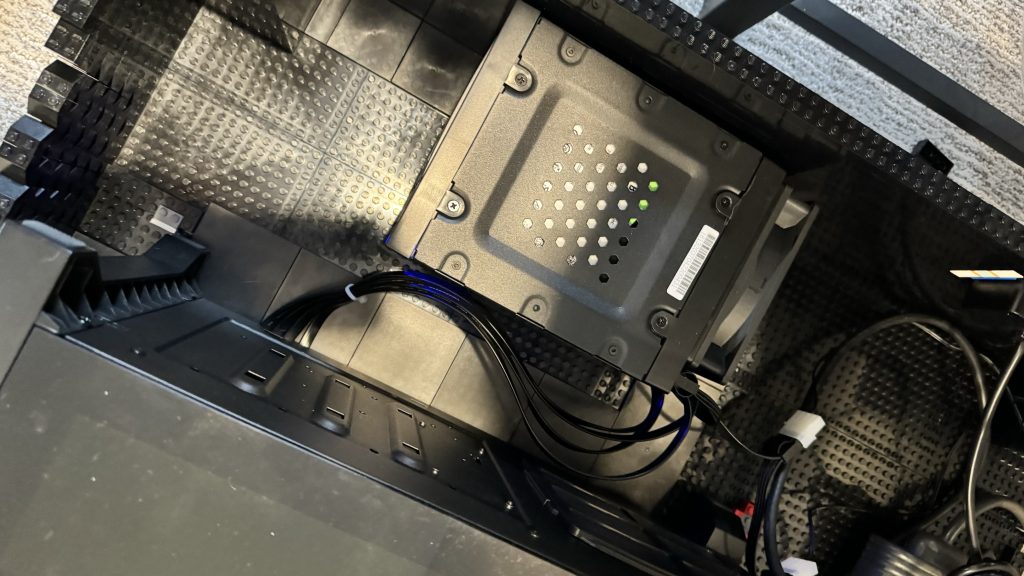
This means, I need three more 18 TB drives! 72 TB total, with half of that used just to keep a copy. Where’s that empty wallet of mine? $1,000 later, I have 3 additional drives and 1 hot swap container to hold the drives.
Moving Forward
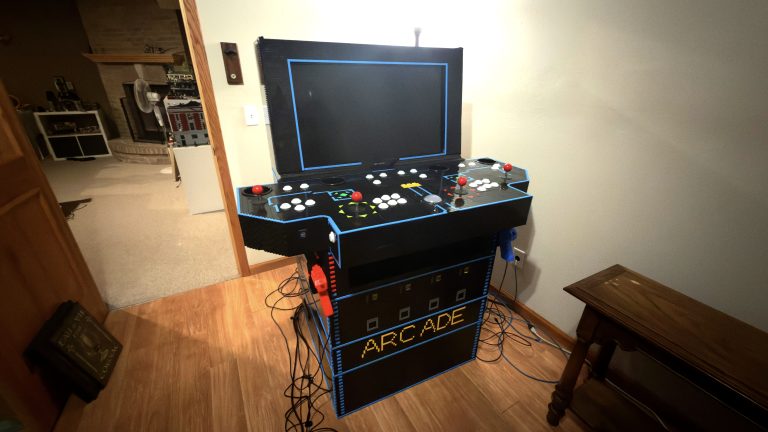
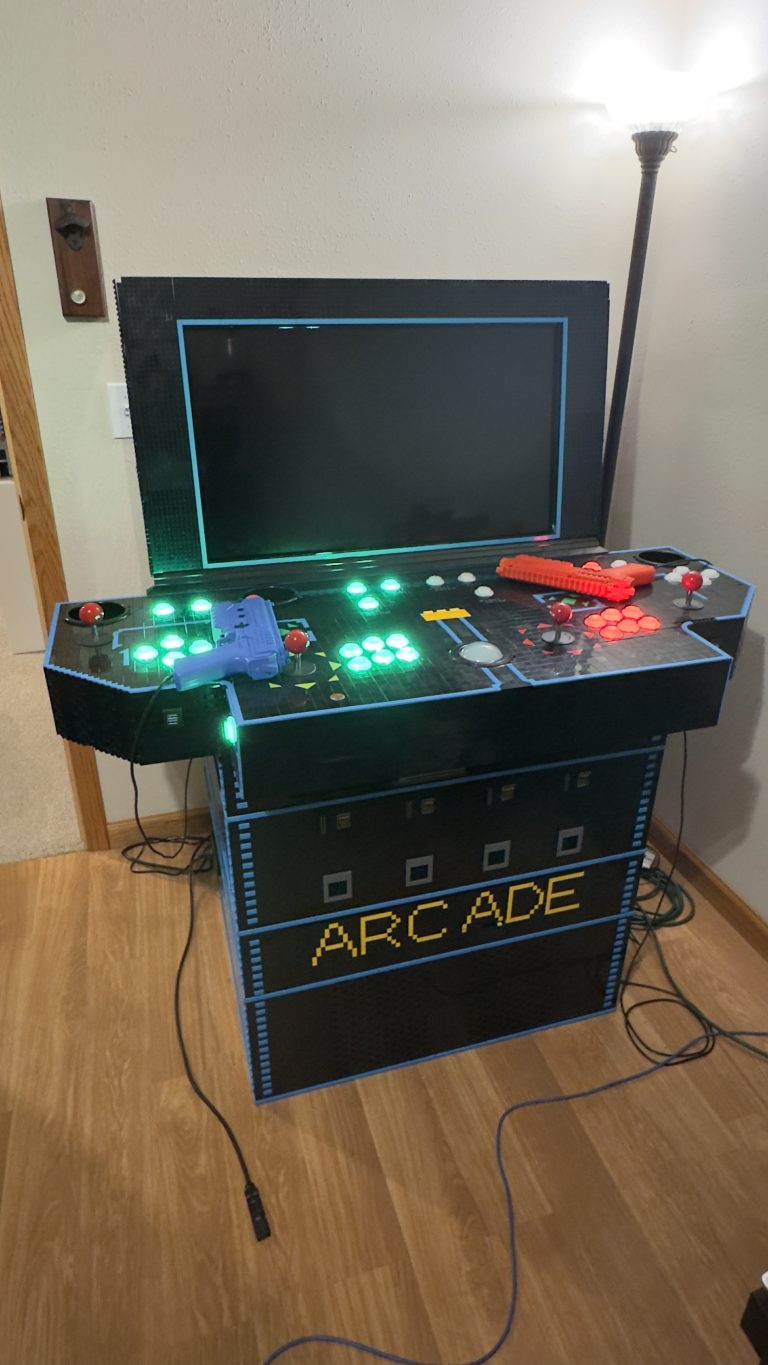
At this point, both space and redundancy have been addressed. However, at this point, I ended up moving. The control panel transported just fine, but the arcade base, not so much. As soon as my girlfriend and I attempt to move the base, it crumbled apart. The weight was just too great. We had to remove the drives array and the computer and then carry the base out in pieces.
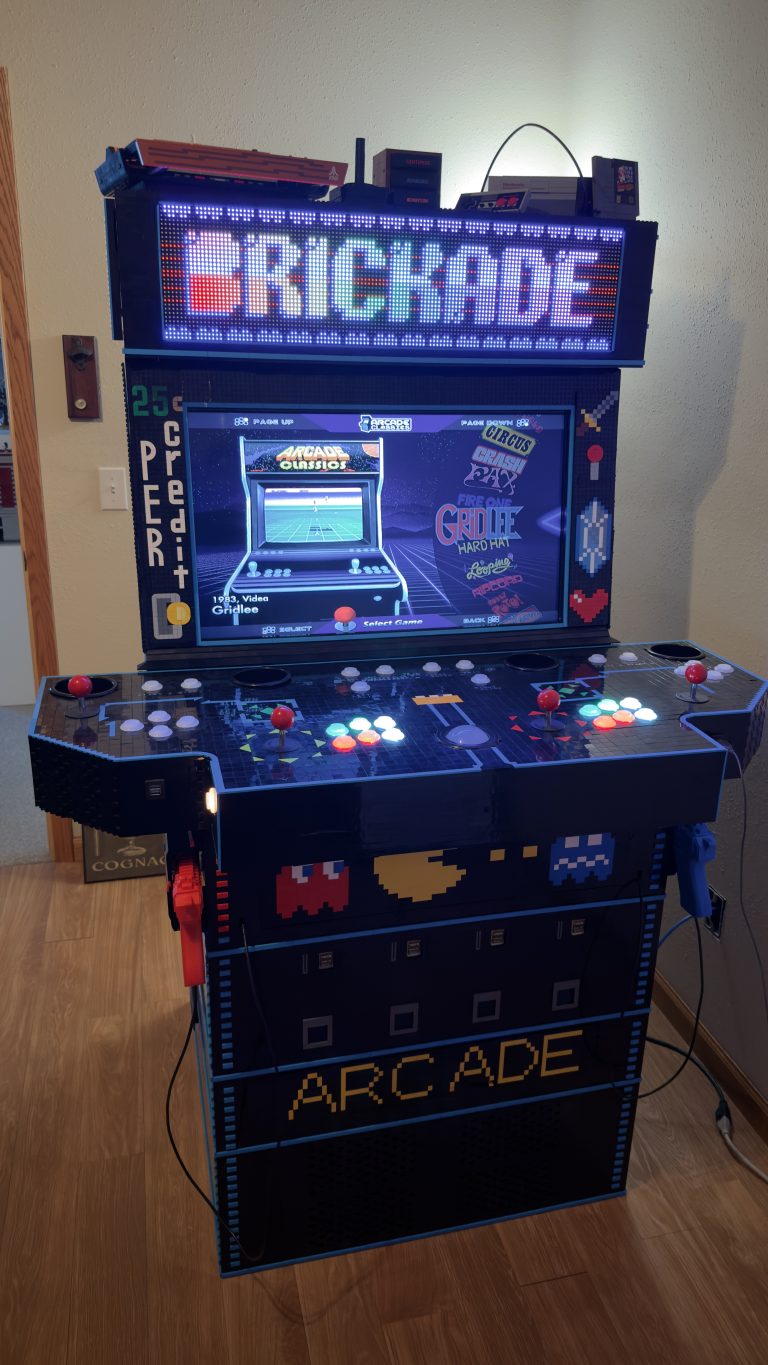
Once we got the parts to the new place, I quickly work at reassembling the base. For now, I’ll leave it as it was and start building the base upward. I’ll loop back at a later point to address structure issues. So back to utilizing those 2,000 2×8 brick. But should I simply make a box? That seems boring.
Next, adding some design!