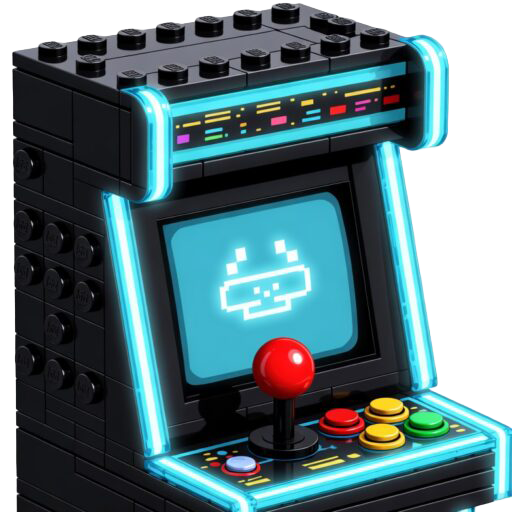
Level Up: Making the LEGO Arcade Better
Level up! This post is all about making it better with 4 big LEGO® arcade cabinet upgrades—light guns, storage, a coin bin door, and control panel mods.
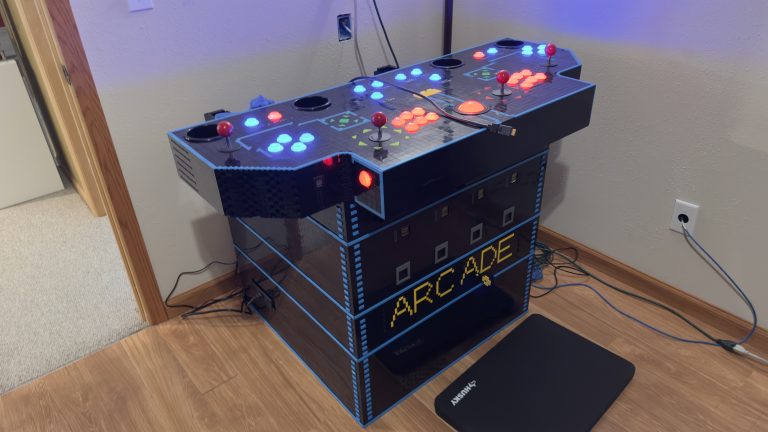
Level up! This post is all about making it better with 4 big LEGO® arcade cabinet upgrades—light guns, storage, a coin bin door, and control panel mods.
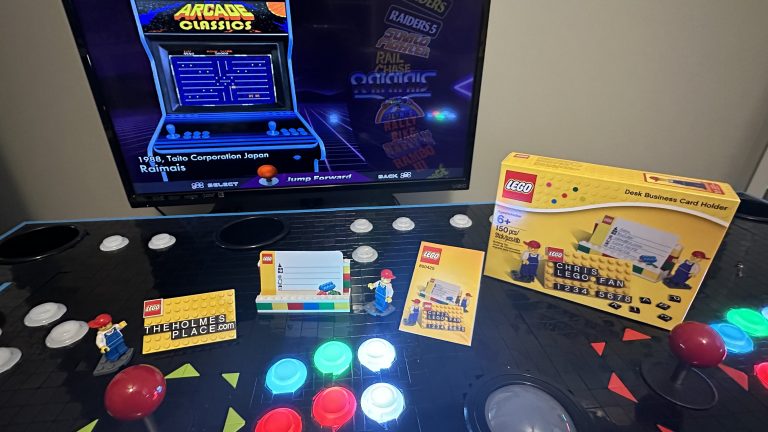
It’s been almost two years since I last posted about the arcade, and after a long hiatus, now progress. I’m sure you might have thought that I had given up. Sadly, shortly after my prior update, I was hit by health issues that prevented me from continuing work on the arcade for a few months….
In a rush to complete the top, I hurry to order more pieces. However, this time, I plan to finally give it some wicked 80’s flare, azure-colored tiles!
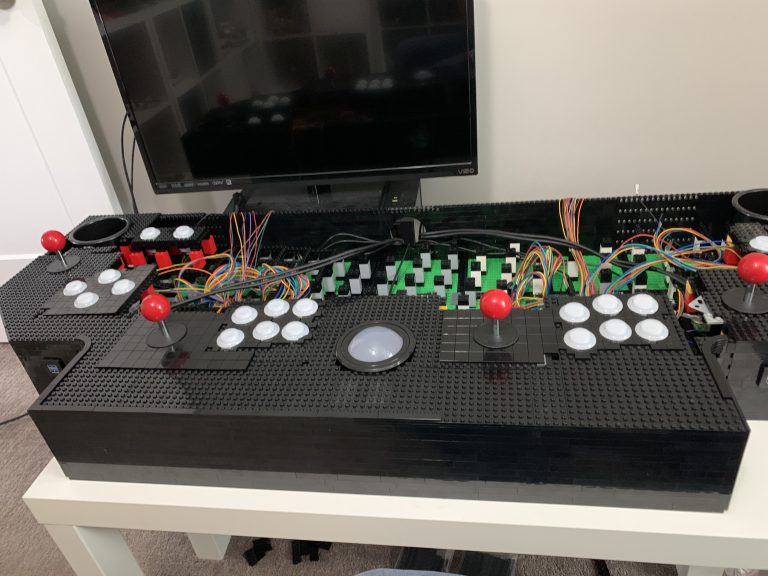
The finish line is ahead and now it’s time to work upwards, towards the back of the control panel. Most of the challenges are finally behind me.
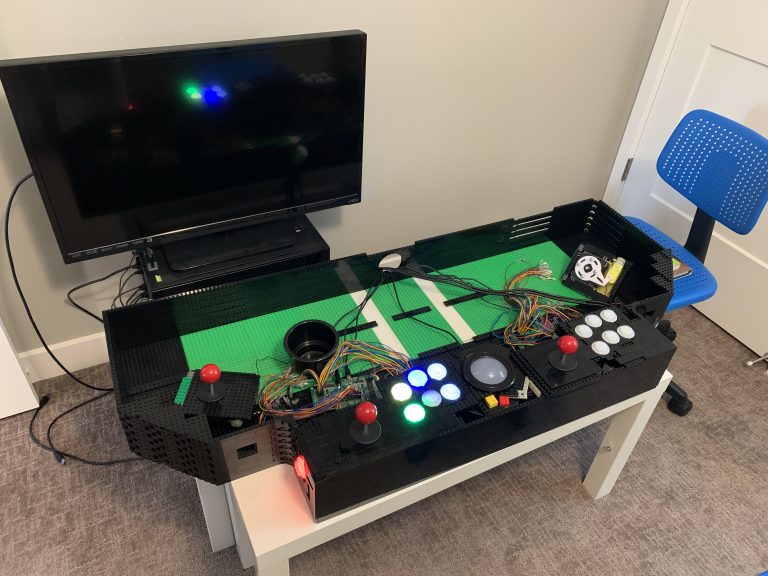
Players 1 and 2 are wired up, now it’s time for the final expansion. New challengers, players 3 and 4 join the party. Controls, button mapping, and more wires!
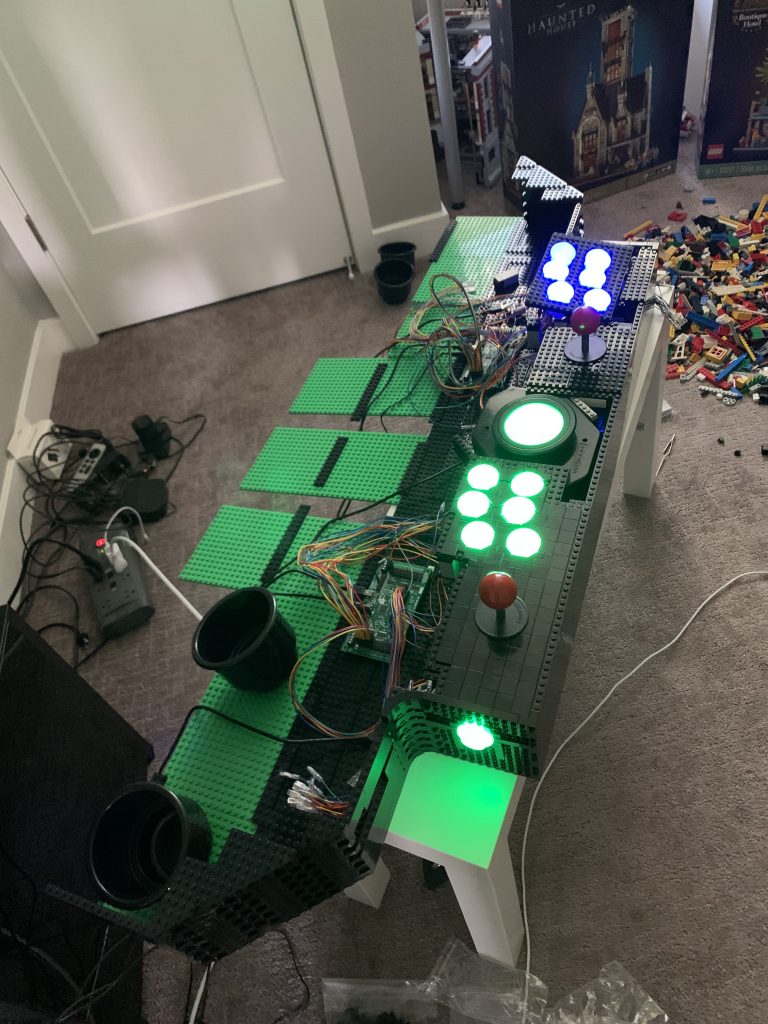
Figuring out how to mount the buttons was a huge step forward. Now I can start wiring up players 1 and 2, which will be a wiring nightmare.
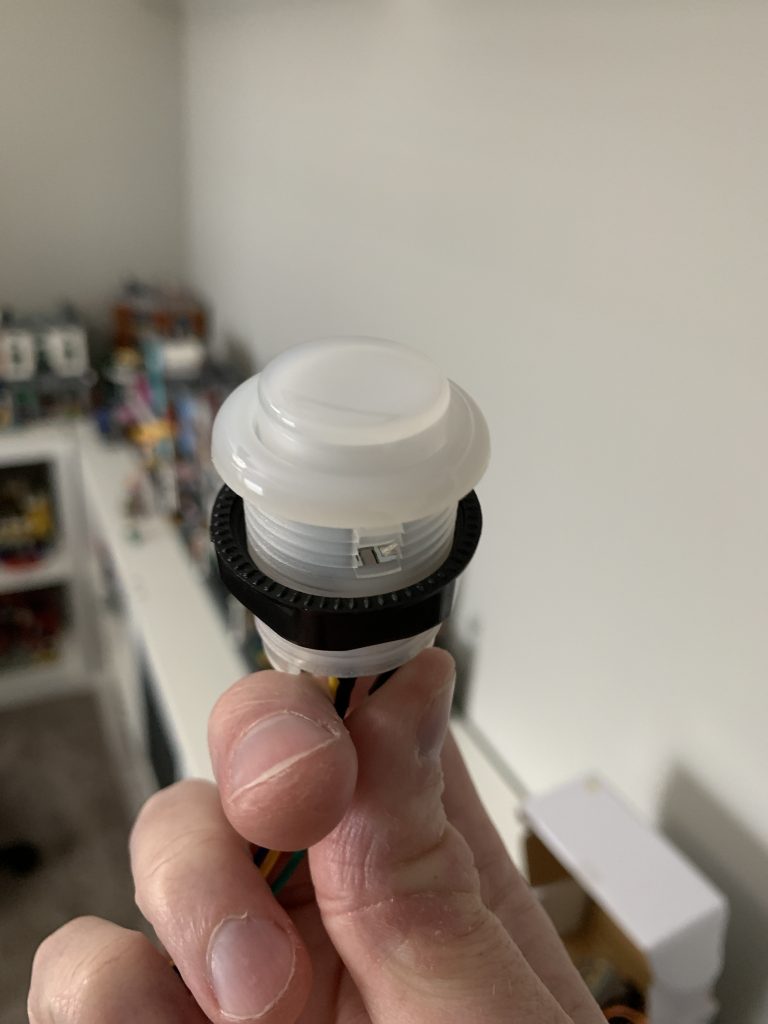
The challenge of mounting buttons with LEGO®.
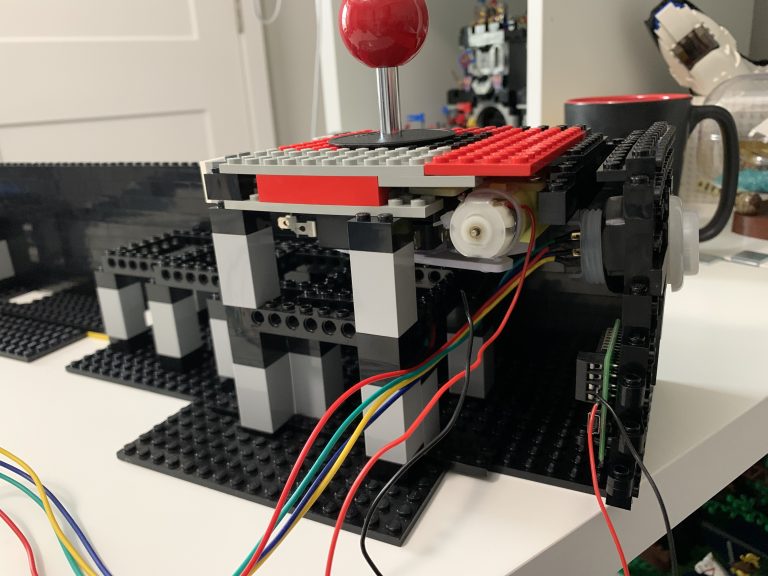
This will cover the installation of the first joystick. I also install the first circuit board, using only LEGO® brick, not screws. This controls the directional movement allowed by the joystick.
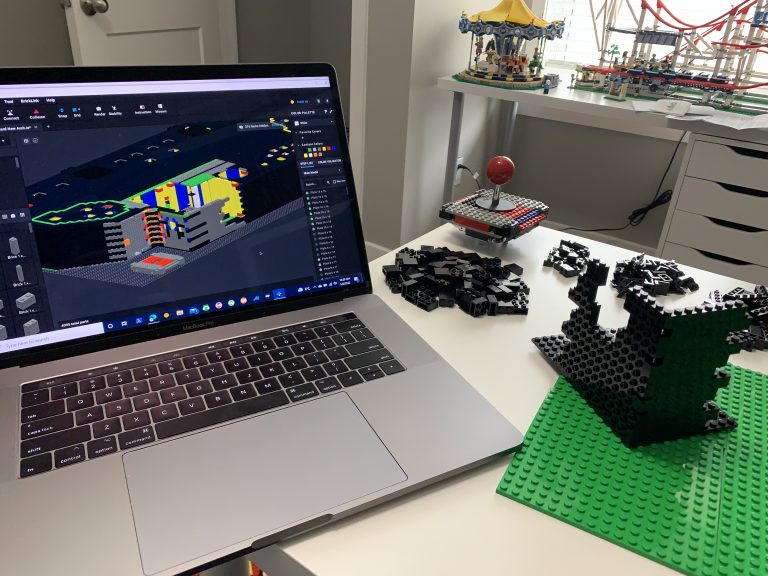
Beginning the build is going to consist of a lot of LEGO® brick! So, I won’t go much into exactly what I order, as I’ll be ordering bits and pieces throughout this process. Instead, I’ll provide key points along the way as I attempt to build this massive structure.
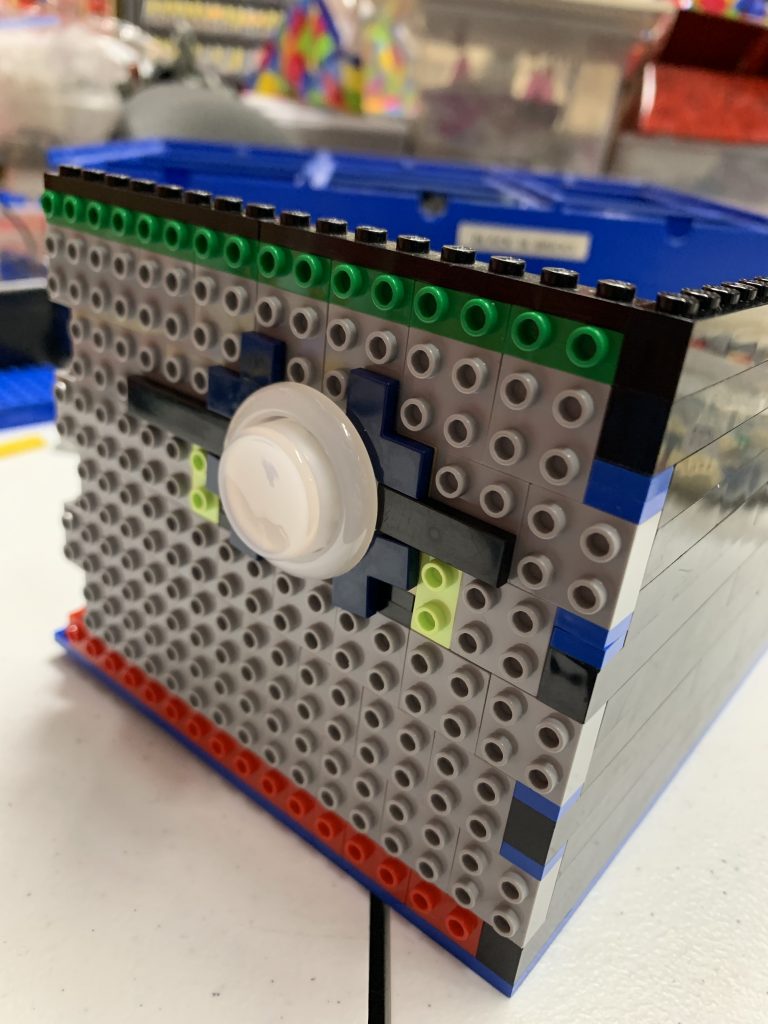
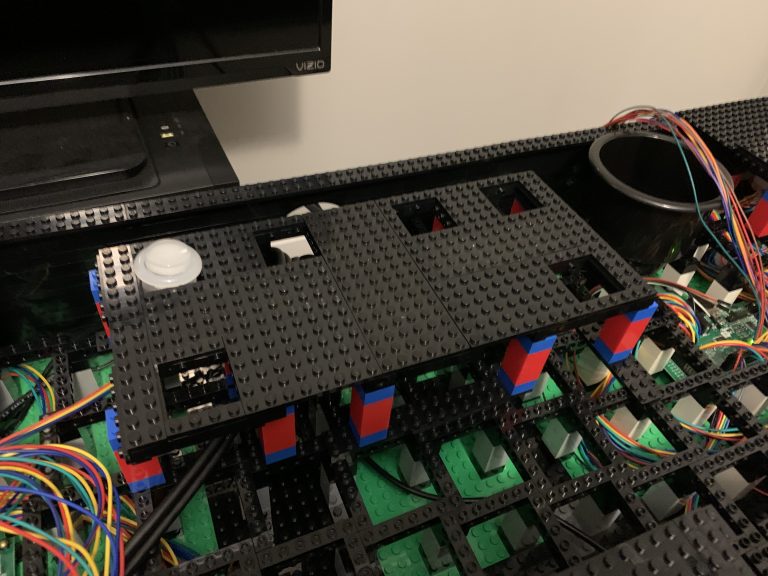
The time has come to order and test the question, can we mount arcade controls into LEGO® bricks WITHOUT modifying the bricks? Likely it’s possible, but really what this will tell me is what difficulties I’ll end up potentially facing and if I need to rethink my strategy about the LEGO and controls.